
How to Stay Connected on a Cruise Ship Without the Rip-Off Wi-Fi
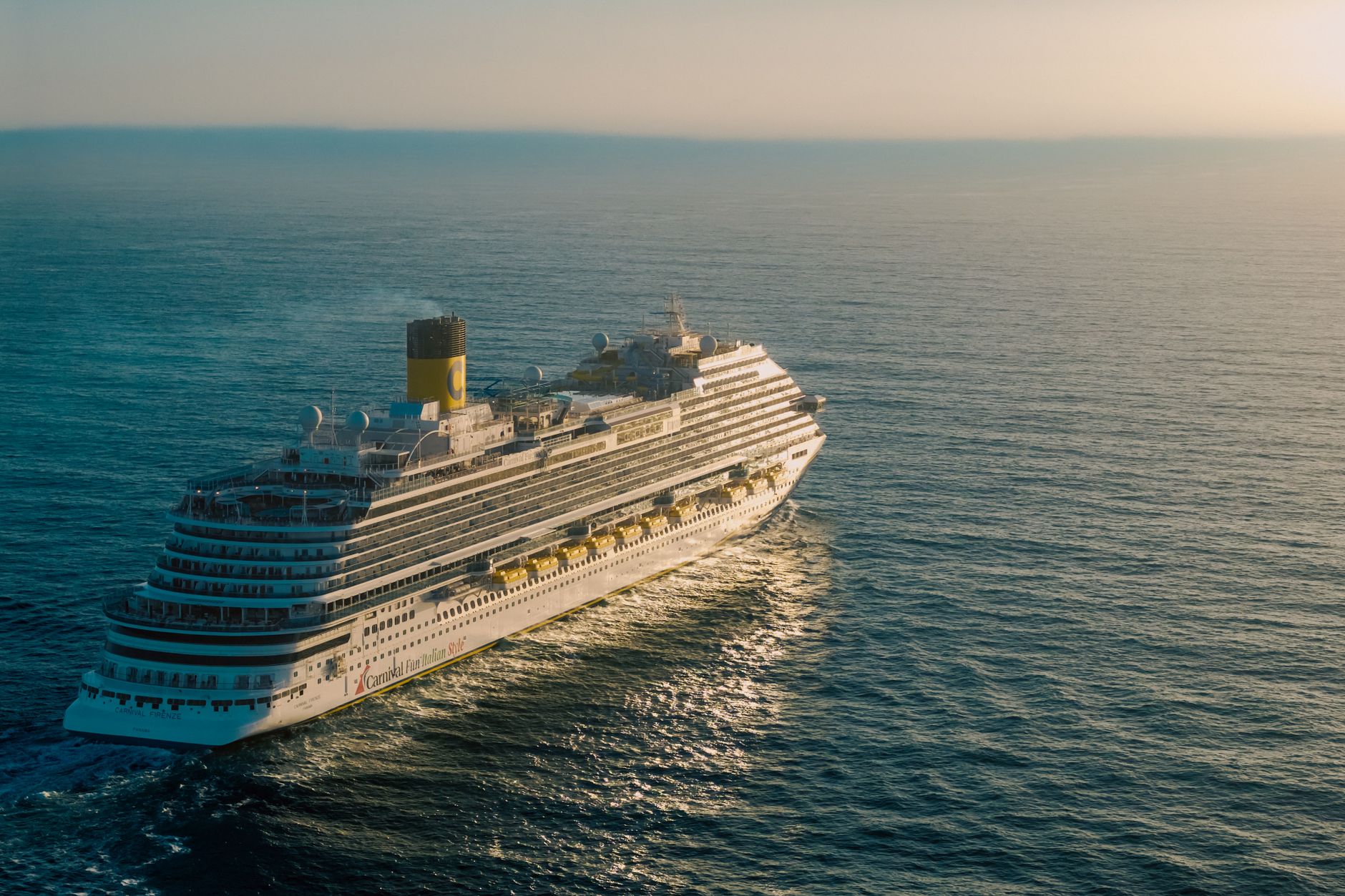
Cruise ship Wi-Fi is a bad deal
Royal Caribbean's Voom package runs $20 to $35 per day depending on the ship and sailing. Norwegian charges $25 to $30. Carnival's Social plan starts at $12 per day but limits you to social media only - no maps, no video calls, no general browsing. And this is on a moving ship using satellite internet, so even when you've paid, speeds are inconsistent.
Honestly, just don't buy the ship Wi-Fi package unless you're on a 15-day crossing with no port stops and you genuinely need to work. For most cruise passengers, there's a much better option waiting at every port.
How eSIMs work on a cruise
When your ship docks at a port, you're on land. Land means local mobile network towers. If you have an eSIM plan covering that port's country, your phone connects automatically and you get real cellular data at real speeds - usually 4G or LTE.
You'll get 4 to 8 hours in port most days. That's plenty of time to navigate with Google Maps, post photos, check in with family, and research dinner options on TripAdvisor without touching the ship's network at all.
At sea, yes, you're offline unless you pay for the ship's satellite Wi-Fi. But most people find that totally manageable. Download podcasts and playlists before you sail. Read books. Look at the ocean. It's a cruise.
Which eSIM to buy depends on your itinerary
Caribbean cruise (Jamaica, Bahamas, Cozumel, St. Thomas): you'll need coverage across multiple countries and territories. A global or Americas eSIM plan works here. Some providers offer "Caribbean" regional plans specifically. Check that your specific ports are listed - the Caribbean is a patchwork of different countries and territories with different network providers.
Mediterranean cruise (Greece, Italy, Croatia, Spain): a regional EU plan covers most of these. Add a separate plan for Turkey if Ephesus is on your itinerary. Check Italy, Spain, and France if you're doing a western Mediterranean route.
Alaska cruise (Juneau, Skagway, Ketchikan): T-Mobile and AT&T have coverage in Southeast Alaska ports. A US eSIM plan covers you here if your home carrier doesn't work.
Norway cruise (Bergen, Flam, Geiranger): covered by standard EU/Europe plans. Norwegian coverage is excellent even in fjord areas.
The port-by-port strategy
Download your destination maps offline the night before each port call. When you dock, your eSIM connects immediately. Use data freely for the time you're ashore. Before boarding again, do any data-heavy tasks: upload photos to Google Photos or iCloud, download anything you need for sea days.
Don't leave your hotspot on when you board. Turning off cellular data entirely while at sea prevents apps from trying to connect and eating battery. Just toggle airplane mode on, then re-enable Wi-Fi if you want to use the ship's network for anything.
What about roaming on your home plan?
T-Mobile's Magenta plan includes international texting and low-speed data in many countries. If "low speed" means 256kbps, that's enough for WhatsApp messages but not much else. AT&T's International Day Pass is $10 per day per country and gives you your normal plan's speeds - usable but adds up fast over a two-week cruise with stops in eight countries.
A pre-loaded eSIM covering your specific itinerary's countries will almost always cost less than AT&T's day pass approach and much less than ship Wi-Fi.
Practical setup before you sail
Buy your eSIM plan before you leave home. Install it before boarding. Keep it in your phone but set it as secondary - use it only when you want cellular data. On the ship, switch to airplane mode and use the ship's Wi-Fi if you need it. In port, turn airplane mode off and let the eSIM do its job.
Browse multi-country and regional plans at vsimer.com/countries. Filter by region to find plans that cover your specific cruise route.