
Best eSIM for Samsung Galaxy in 2026
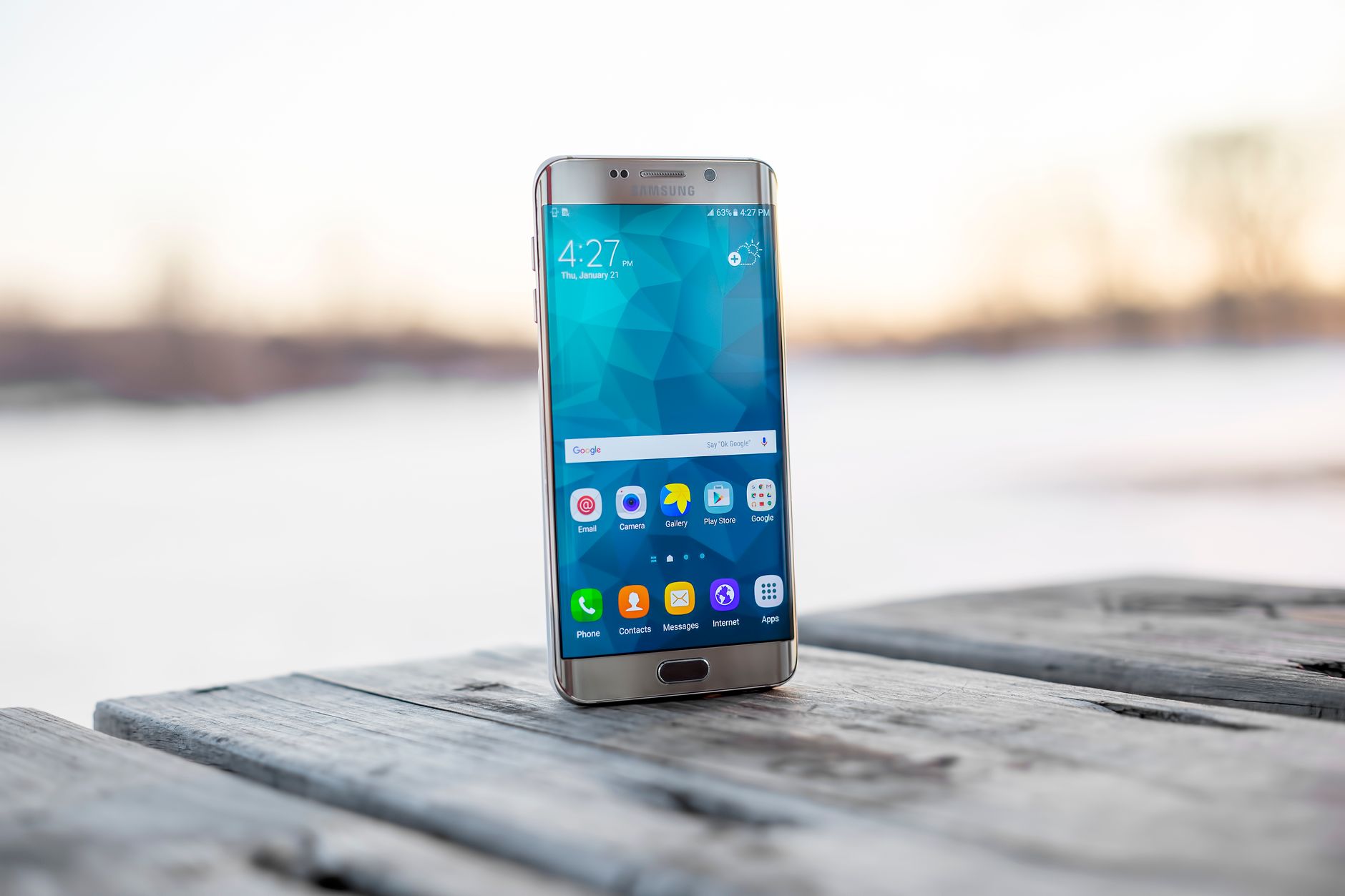
Samsung and eSIM: what you need to know first
Samsung's eSIM support has gotten much better since the S20. The Galaxy S21, S22, S23, S24, and S25 series all support eSIM. So do the Z Fold and Z Flip foldables. The A-series is where it gets patchy - the A54 and A34 support it, but the A14 doesn't. If you're not sure about your exact model, open your dialer, type *#06#, and look for an EID number. EID present means eSIM capable.
One quirk with Samsung: the eSIM management lives in Settings > Connections > SIM Manager rather than a dedicated eSIM app. It's not obvious if you're looking for it the first time.
The carrier lock issue on Samsung
This trips people up more often on Samsung than on iPhones. If you bought your Galaxy through T-Mobile, Verizon, or AT&T, there's a decent chance it's carrier-locked. Samsung phones bought directly from Samsung.com are unlocked. Phones from carrier stores often aren't - at least not until you've had them for 60 to 90 days and paid any installments.
Check it quickly: Settings > General Management > About Phone. Look for SIM card status. If it says network unlocked or SIM unlocked, you're fine. If not, call your carrier. US carriers are legally required to unlock phones after the device is paid off and the required time period passes.
Installing an eSIM on Samsung Galaxy
Go to Settings, then Connections, then SIM Manager. Tap "Add eSIM" and scan the QR code. Samsung's UI is slightly clunkier than Apple's for this process but it still takes under five minutes. Full steps are in our Android eSIM installation guide.
One thing to watch: Samsung One UI sometimes prompts you to restart after adding an eSIM. Do it. Some users skip the restart and then wonder why their eSIM isn't connecting.
Which plans work well on Samsung Galaxy
The good news: Android eSIM compatibility is broadly standardized now. Most eSIM providers that work on iPhones also work on Samsung Galaxy phones without any changes. You don't need "Samsung-specific" eSIM plans. You just need GSMA-compatible eSIM profiles, which is what every reputable provider uses.
For Europe: regional EU plans work well. Look for plans that cover 30+ countries so you don't need to swap when crossing borders from France into Spain or Germany into Austria. Check France, Germany, and Spain plans if you're planning a multi-country trip.
For Southeast Asia: Thailand, Vietnam, and Indonesia all have solid eSIM coverage now. AIS in Thailand, Indosat in Indonesia, and Viettel in Vietnam are the carriers you want your eSIM to connect to.
For Japan specifically: the country still has quirks. Some older eSIM profiles don't roam onto Docomo towers. Find a plan that explicitly lists Docomo or SoftBank Japan as the partner network. More on this in our Japan eSIM guide.
Managing two SIMs on Samsung
Samsung's dual SIM management is actually excellent. You can set your home SIM for calls and SMS, and your travel eSIM for data, and the phone handles it automatically. Go to SIM Manager and assign each function to the right SIM. You'll see a small indicator at the top of the screen showing which SIM is active for each purpose.
On the Z Fold and Z Flip, the interface is identical. Foldables don't have any eSIM limitations compared to the S-series flagships.
Data usage on Samsung - one tip that helps
Samsung has a built-in data usage monitor that's actually more detailed than iOS. Go to Settings > Connections > Data Usage and set a warning at 80% of your plan limit. It'll notify you before you run out. You can also see exactly which apps are burning through data - usually Google Chrome and YouTube are the culprits when people blow through a plan faster than expected.
Browse plans for your destination at vsimer.com/countries. If you want to confirm your specific Galaxy model supports eSIM before buying anything, the compatibility check page takes 30 seconds.