
10 Ways to Actually Stay Connected While Travelling Abroad
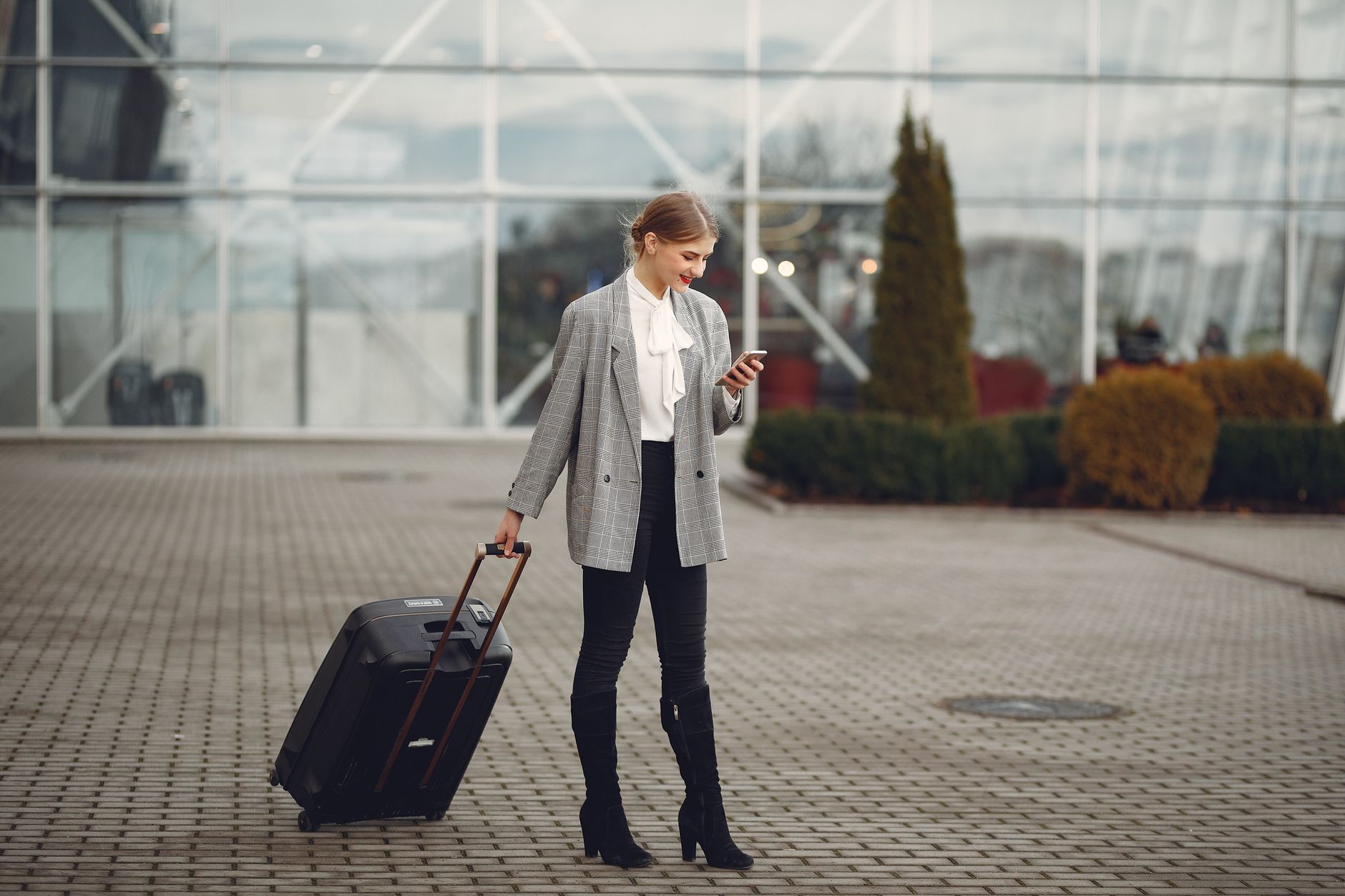
A dead phone in an unfamiliar city is a special kind of stress. Here are the things that actually help - not generic advice, specific stuff that works.
1. Sort your data before you fly, not at the airport
Airport SIM kiosks are overpriced. Airport Wi-Fi is overcrowded. If you're using an eSIM, buy the plan the night before and download it on your home Wi-Fi. You'll land connected, which means you can use Maps to find your hotel immediately instead of burning through paper printouts.
2. Know what a realistic data budget looks like
Most people vastly overestimate how much data they need. A week of casual travel - Google Maps, WhatsApp, checking emails, Instagram - burns through maybe 1.5-2GB. Add streaming one episode on a train and you're at 3GB. Unless you're doing video calls all day or uploading content, a 5GB plan is genuinely plenty for most two-week trips.
3. Download offline maps before you leave
Google Maps lets you download entire city maps or country regions. In Maps, search for a city, pull up the area card, and tap "Download." Once downloaded, turn-by-turn navigation works with zero data. I always download the cities I'm visiting plus a buffer region around them. It's saved me multiple times when signal drops in underground stations or rural areas.
4. Turn off auto-updates and background refresh
Your phone will try to update apps, sync photos to iCloud, and refresh weather data constantly if you let it. On iPhone: Settings → App Store → toggle off Automatic Downloads and App Updates. On Android: Play Store → Settings → Network Preferences → Auto-update apps → Over Wi-Fi only. Do this before you travel.
5. Use Wi-Fi calling for voice
Most carriers support Wi-Fi calling now, which lets you make and receive calls on your home number over any Wi-Fi connection - hotel Wi-Fi, café Wi-Fi, whatever. Useful when you need someone to reach your regular number. Enable it in Settings → Phone → Wi-Fi Calling before you leave.
6. WhatsApp is your friend - but set it up right
WhatsApp voice and video calls are genuinely good quality and cost you nothing beyond data. But by default, WhatsApp will auto-download every photo and video people send you. Go to Settings → Storage and Data → Media Auto-Download and set everything to Wi-Fi only. A group chat with holiday photos will eat your data plan fast otherwise.
7. Get a portable battery
Not directly a connectivity tip, but a phone at 3% battery isn't connected to anything. A 10,000mAh power bank will charge most phones twice over. The Anker Nano and similar compact options fit in a jacket pocket. Worth carrying.
8. Know the difference between data roaming and international plans
If you haven't switched off data roaming with your home carrier, your phone might connect to a local network and charge you roaming rates even if you have a travel eSIM active. Make sure your primary SIM's data roaming is off, and your travel eSIM is set as the active data line. Sounds obvious but it catches people out.
9. Café and hotel Wi-Fi is fine for browsing, not for banking
Use a VPN on public Wi-Fi if you're logging into anything sensitive. ProtonVPN has a free tier that's adequate for travel. Or just use your eSIM data for anything important - a few extra megabytes is worth it for peace of mind on financial stuff.
10. Keep a backup offline document
Screenshot your hotel address, booking confirmations, and emergency numbers. Save them in your photos where they'll be accessible offline. Sounds old-fashioned. Has saved multiple trips.